0
CART
0
YOUR CART
Buy Logitech Mouse at the Best Price in Bangladesh – Computer Vision BD
Logitech, one of the most trusted names in computer and mobile accessories, was founded in Switzerland in 1981 and now has its global headquarters in the United States. The name “Logitech” was inspired by the French word “logical”, reflecting the brand’s focus on software and technology solutions. Interestingly, in Japan, the brand operates as Logicool to avoid conflicts with a local brand named Logitec.
For over four decades, Logitech has been revolutionizing PC and mobile accessories, providing innovative solutions for everyday users, professionals, and gamers alike. Their product line includes mouse, keyboards, webcams, tablet accessories, Bluetooth speakers, and much more. In Bangladesh, Logitech mice are extremely popular for their precision, reliability, and user-friendly design.
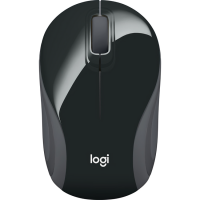
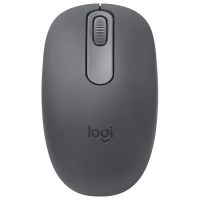
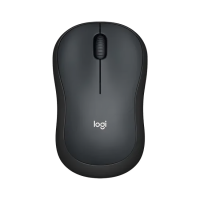
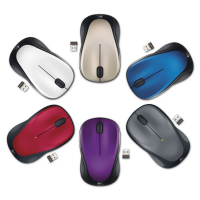
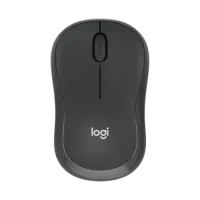
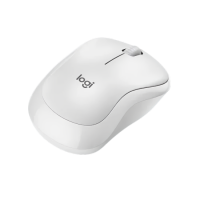
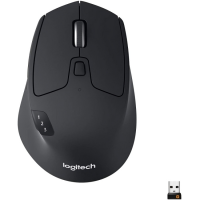
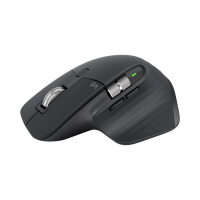
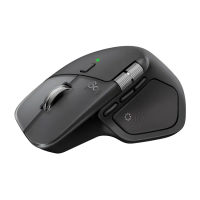
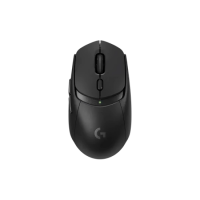
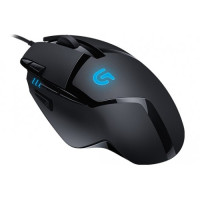
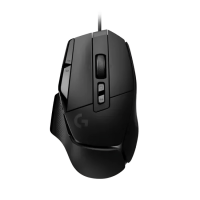
The Logitech mice currently listed here run from about BDT 425 to about BDT 15,600, so the main decision is what the mouse has to do. For everyday office work, a compact wireless mouse such as the M185, M187, M221 or M240 is easy to carry and to use on a small desk, and the silent models in the range suit a shared room. For gaming, the G series models in the list are the ones to compare, with extra buttons and a faster feel for long sessions. For a desk that you use all day, the larger MX Master models and the Signature M650 suit a relaxed grip, while the Pebble mouse suits a bag or a travel setup.
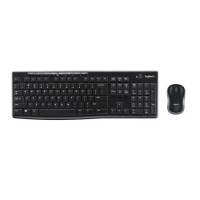
Most of the mice here are wireless, using a small USB receiver or Bluetooth, and a few are wired. If you move between a laptop and a desktop, check the listing for multi-device switching, and if you work on glass or glossy surfaces, check the listing for the surface the sensor is made for. One listing here, the MK270R, is a keyboard and mouse set rather than a mouse alone, so check whether the listing covers a mouse only or a set before you order.
Size matters more than it looks: a small travel mouse can cramp a large hand on a long day, and a large mouse can be awkward in a small hand, so compare the shape and weight in the listing with the mouse you use now. Check whether the mouse runs on a replaceable battery or a built-in rechargeable battery, how it charges, and whether it uses Bluetooth, a USB receiver or a cable, so it fits the ports your computer actually has.
Compare the models listed here side by side, check the specifications and the price on the listing you are interested in, and visit a Computer Vision BD branch in Dhaka, Rangpur or Gaibandha to check the mouse in person before you buy.


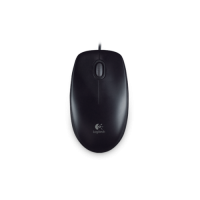

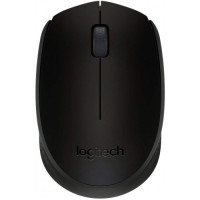
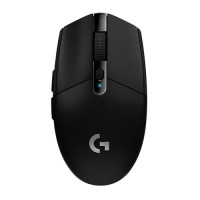

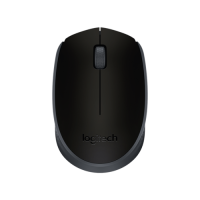
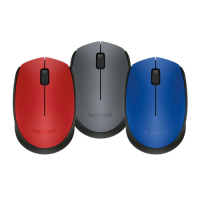
-200x200.png "Logitech M185 Compact Wireless Mouse")