0
CART
0
YOUR CART
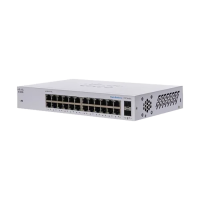

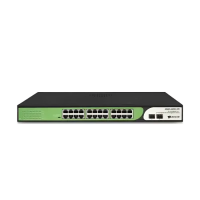
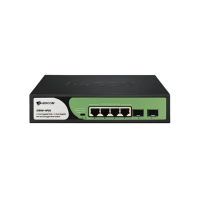
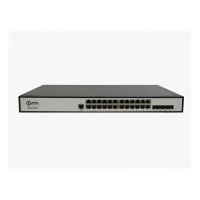
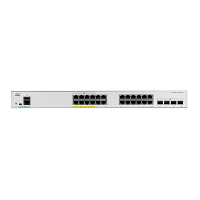
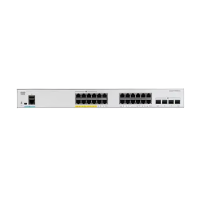
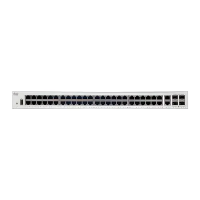
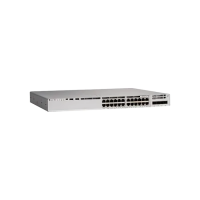
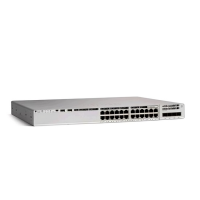
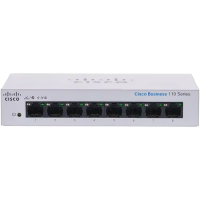
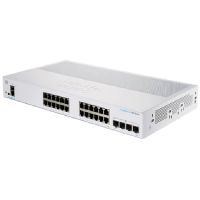
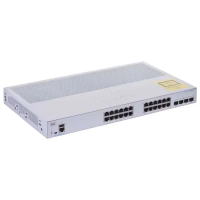
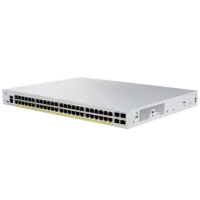
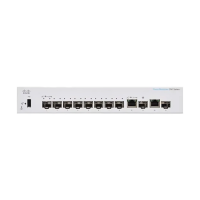
Start by counting the wired devices you need to connect, then leave a few ports spare for the next device you add. A compact desktop switch suits a small room, while an office or a camera setup usually needs a 24-port or 48-port model, and rack-mount models suit a cabinet or a server room. Managed switches let you shape traffic and see what is happening on the network, while unmanaged switches are plug-and-play and suit a simple setup. If you plan to power cameras or wireless access points through the network cable, choose a PoE model and check its PoE budget on the product page. Count the cameras and access points first, because the number of PoE ports and the total power budget decide whether one switch can feed them all. Match the port speed to your connection too: gigabit ports suit most wired networks, and SFP ports are used for uplinks between switches. For a growing office, a managed model also makes it easier to add a second switch later and keep the network tidy.
The range here covers Cisco, TP-Link, Netgear, TRENDnet, Tenda, HUAWEI, Ruijie, Mikrotik, D-Link, Cudy, Grandstream, BDCOM, C-Data and Zyxel, from small desktop switches to managed rack-mount models. Before you order, compare the port count, switching capacity, PoE budget and management features listed on the product page, and check the model name against the devices you already own. A switch with more ports than you need today also leaves room for a printer, a storage device or another access point later. Check whether the switch is desktop or rack-mount, and measure the space where it will sit. If you are unsure which model fits your network, check the product details or ask at a branch in Dhaka, Rangpur or Gaibandha.