0
CART
0
YOUR CART
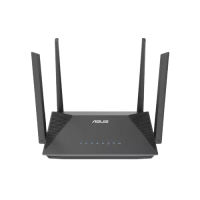
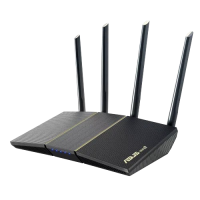
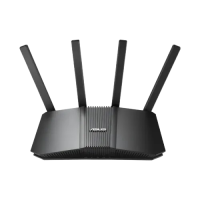
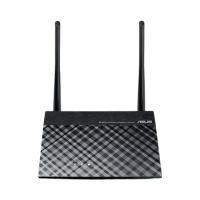
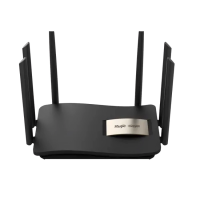
Start with the size of the space and the number of devices. A home with a few phones and a laptop is well served by a dual-band Wi-Fi 5 or Wi-Fi 6 router with gigabit ports, while a busy office or a shop with cameras, printers, and many users needs a router with higher throughput, more LAN ports, and a managed or smart switch so traffic can be separated and prioritised. Check the Wi-Fi standard, the number of antennas, and the port speeds on the product page, because a router with fast Wi-Fi but only 100 Mbps ports will limit a fast internet line.
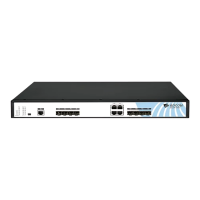
For a switch, count the devices you will connect by cable and add room for growth. A 5-port or 8-port gigabit switch suits a desk or a small room, while a 16-port or 24-port switch suits an office network. If you plan to power access points or cameras through the same cable, choose a PoE switch with enough power budget for every device, and check that the total power demand stays within the budget shown in the specifications.
Coverage is the part buyers most often get wrong. A single router may not cover a large flat or a two-storey house, so place the router in the centre of the space, away from thick walls and metal cabinets, and add an access point or a Wi-Fi range extender for the rooms where the signal is weak. For a stable connection, use a wired link wherever the device stays in one place: a Cat6 cable supports gigabit speeds over a full run, while a damaged or loose patch cord is one of the most common causes of a slow network.
Do not mix standards without checking. A Wi-Fi 6 router works with older devices, but those devices will still run at their own older speed, and a Cat5e cable will not carry the same speed as Cat6 over a long distance. Match the router, the switch, the cable, and the adapter to the speed of your internet line, and if you are planning a larger setup, ask the Computer Vision BD team at the Dhaka, Rangpur or Gaibandha branch before you order.


-200x200.jpg "AC-Net A10 Optical Fiber Splicer Machine")
-200x200.jpg "AC-Net F-95X Splicer Machine")