0
CART
0
YOUR CART
Buy Printer Toner at the Best Price in Bangladesh | Computer Vision BD
Toner is the essential component for laser printing, acting as the “lifeblood” of a laser printer. Whether you are printing documents, photos, or reports, having the right toner ensures high-quality prints and smooth printer operation. Toner cartridges are compatible with specific printer models and brands, and some office equipment like all-in-one printers, ID card printers, fax machines, label printers, POS printers, and digital photocopiers also require toner.
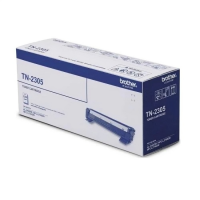
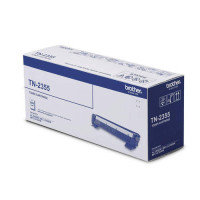
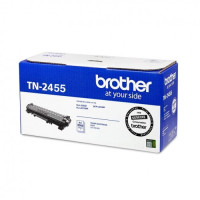
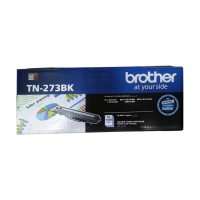
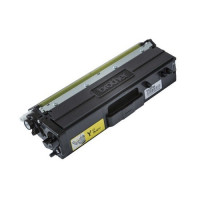
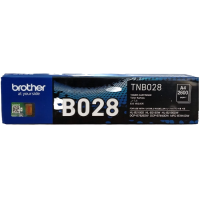
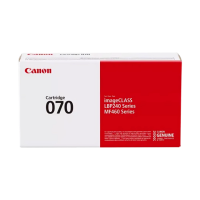
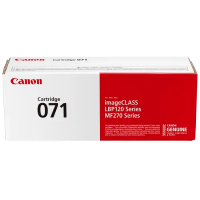
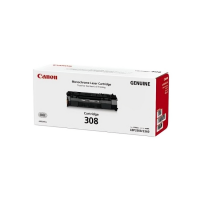
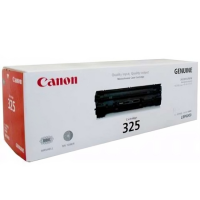
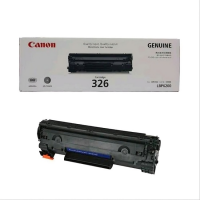
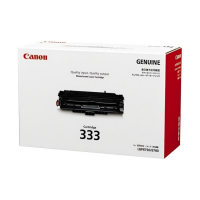
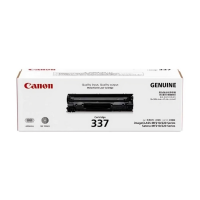
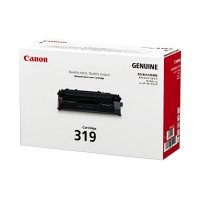
Every toner cartridge is made for certain printer and copier models, so the model number matters more than the brand name on the box. Before you order, read the model number on your printer, or take the cartridge code from the cartridge already inside it, and compare it with the compatible models listed on the product page. HP, Canon, Brother and Pantum account for most of the listings in this range, with Toshiba and Canon copier toner for office machines, and third-party cartridges from G&G, Starink and Power Print also listed.
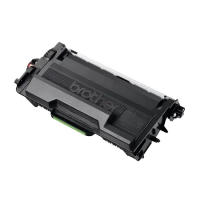
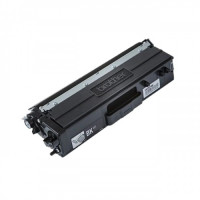
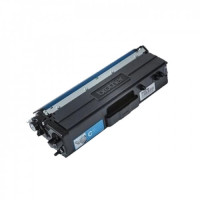
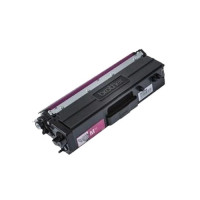
Black cartridges suit everyday document printing, while colour printing needs the full set of black, cyan, magenta and yellow. If your office prints every day, keep one spare black cartridge on hand so a long report or a set of invoices is never held up by an empty cartridge. Refill toner is a different option again: it is loose toner powder for refilling a cartridge, so check the product page to see whether it suits your cartridge before you buy it.
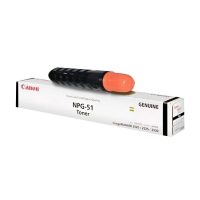
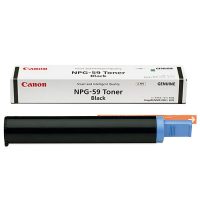
Copier toner for machines such as the Toshiba e-studio series and the Canon NPG series comes in larger cartridges made for heavier office use, so check the series name as well as the model number before you order. A cartridge that fits a small desktop printer will not fit a copier, even when both come from the same brand.
Store a spare cartridge flat, in a cool, dry place and out of direct sunlight, and keep it in its sealed bag until you need it. When you fit a new cartridge, seat it firmly in the printer and print a test page: if the page comes out faded or streaked, take the cartridge out and fit it again, and check that you have removed all the seals and protective tape. Some product pages also state a page yield, which tells you how much printing a cartridge is rated for, so compare yields where they are stated.
If you are not sure which cartridge fits your printer, bring the printer model number with you to a Computer Vision BD branch in Dhaka, Rangpur or Gaibandha, or check the compatible models on the product page before you order online.