0
CART
0
YOUR CART
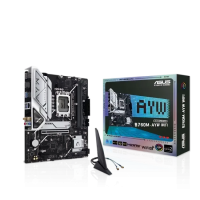
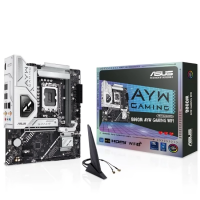
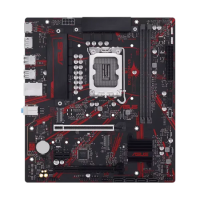
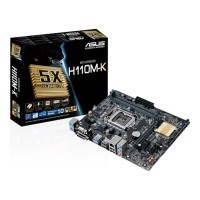
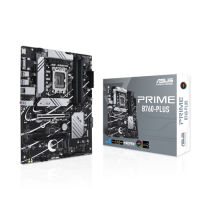
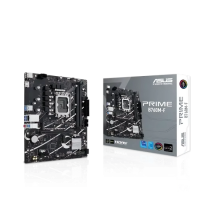
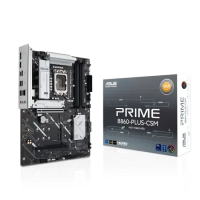
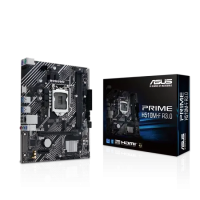
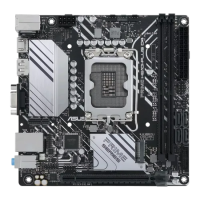
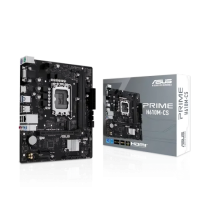
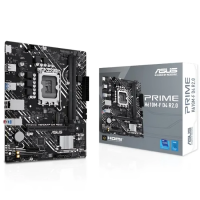
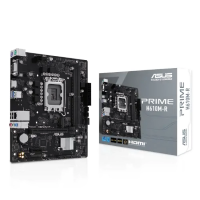
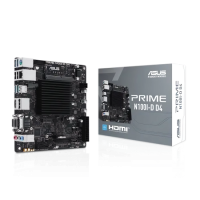
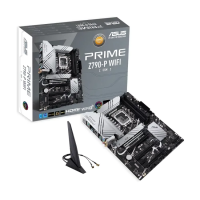
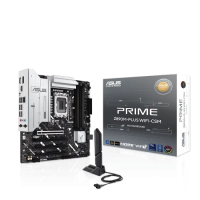
An ASUS motherboard is only useful if it fits your processor, so start every choice here with the socket and chipset shown on the listing. This Intel-focused range runs from older LGA 1151 boards, through LGA 1200 and the widely used LGA 1700 boards for 12th, 13th and 14th generation Intel processors, up to the newest LGA 1851 boards such as the B860 and Z890 models. The chipset name tells you what the board supports, and the form factor decides whether it fits your case: many boards here are micro-ATX - the M in the model name - while full-size ATX boards such as the PRIME B860-PLUS and the ROG Maximus models sit at the top of the range.
Most boards here are from the ASUS PRIME line, built for everyday and mid-range builds, with ROG Strix and ROG Maximus boards and TUF Gaming boards for higher-end builds. Memory is the second check: some boards use DDR4 and others DDR5, and the two do not mix, so match the RAM you own or plan to buy to the board. A small detail worth noting is that this category also holds two AMD boards, the PRIME A520M-A and the PRIME B450M-A, so the chipset on the listing is always worth a second look.
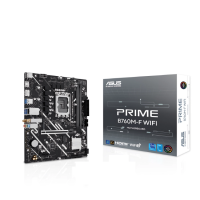
Once the socket fits, compare the connections you will actually use. Count the M.2 slots for fast storage, check the number and speed of the USB ports, look for the display outputs if you plan to use built-in graphics, and note whether the board has built-in Wi-Fi or a 2.5G LAN port: many PRIME boards in this range include Wi-Fi, and some do not, so the exact model name matters. Boards with the same chipset often appear in near-identical versions, such as Wi-Fi and non-Wi-Fi models, so compare the full model name on the listing.
Power delivery is the last check before you choose. A board built for a higher-end processor needs stronger power stages and better cooling on the board itself, so if you plan a fast processor or heavier work, the ROG and TUF models in this range are the ones to study first. Read the full specification on the listing, confirm the socket, memory type and board size against the case you have, and ask Computer Vision BD about the exact model if any detail is unclear.