0
CART
0
YOUR CART
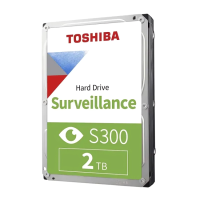

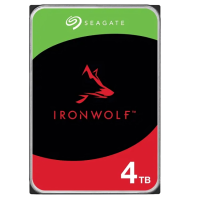
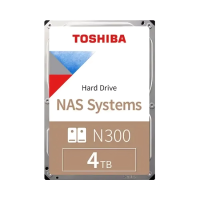
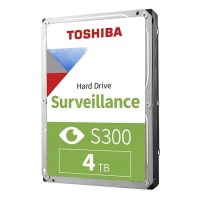
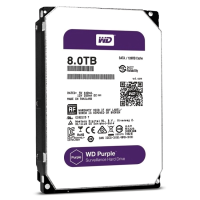
The first choice is what the drive will do. A drive for a desktop computer stores files and programs, a surveillance drive records camera footage, and a NAS drive works inside a network storage box shared by several users. This category lists all three kinds, so read the listing to see which use it is made for before comparing capacities. Desktop internal drives, portable external drives, and drives built for surveillance or NAS use are listed side by side here, and a drive built for one of these jobs is not the right pick for another. Brands listed here include Seagate, Toshiba, Western Digital, ADATA, Transcend, and Apacer.
Capacity is the second choice, and it follows the use. Capacities listed here include 1TB, 2TB, 4TB, 6TB, 8TB, and 10TB, with larger enterprise drives up to 20TB. A desktop that holds documents and a photo collection needs far less than a recorder that keeps weeks of camera footage or a network box that serves a whole office, so add up what you already store, then allow room for growth before you settle on a size. Check the form factor and the interface on the listing as well, because a desktop internal drive, a portable drive, and a drive for a recorder or a NAS box do not all fit the same slot or cable. If the listing does not show the capacity, form factor, or interface, ask before ordering.
Many listings in this category show no price and are enquiry-priced, so confirm the current price of the exact model before deciding, and compare the same capacity and the same use across brands rather than comparing a surveillance drive with a desktop drive. Match the capacity to the job, check that the drive fits the machine or recorder it is going into, and keep a note of the model number from the listing, because drives with the same capacity can differ in use, form factor, and interface. A careful check of those three details before ordering saves a return visit and a second purchase.