0
CART
0
YOUR CART
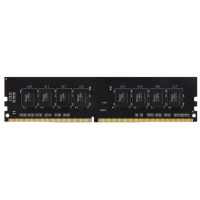
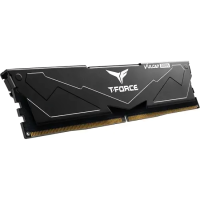
Start by matching the memory to the machine. Team RAM in this category covers DDR3, DDR4, and DDR5, in desktop and laptop sizes, with 4GB, 8GB, 16GB, 24GB, and 32GB among the capacities listed. The generation must match the motherboard, and the size must match the slot, so check the board or laptop model first and read the listing to confirm the generation, the form factor, and the capacity before you choose. A desktop stick does not fit a laptop slot, and a DDR5 stick does not fit a DDR4 board, so these two details decide the purchase before speed or looks matter. The listed series include T-Force Delta, T-Force Vulcan, Team Elite, T-Force Dark Z, T-CREATE, and T-Force Night Hawk.
Next, decide how much memory the machine needs and whether speed matters for the work it does. Everyday office work and browsing sit well on 8GB, while heavier multitasking and gaming builds usually take 16GB or 32GB, so choose the capacity for the programs you actually run rather than the largest number on the page. DDR5 listings here include 6000MHz and 7600MHz kits, and the speed on the listing is the one to compare, because a faster stick only helps when the board and processor support it. RGB lighting appears on many T-Force models, so if the build has a windowed case, check whether the listing you want has lighting or is the plain version of the same series.
Many listings in this category show no price and are enquiry-priced, so confirm the current price of the exact model before deciding, and compare the same generation, capacity, and speed rather than comparing a DDR4 stick with a DDR5 kit. Keep the model number from the listing, check whether the capacity is per stick or per kit, and confirm the generation and form factor one more time against the motherboard. Choosing Team RAM is mostly a matching exercise: generation, size, and capacity first, then speed and lighting, and a careful check of the listing covers all of it.