0
CART
0
YOUR CART
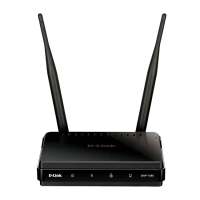
This D-Link slice of the WiFi Range Extender range lists four products, but only one of them is a range extender. The other three are USB Wi-Fi adapters that add wireless to a desktop PC or a laptop. Read the product type before you buy, because an adapter and an extender solve different problems.
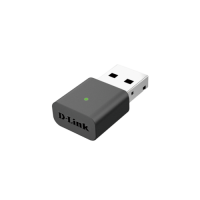
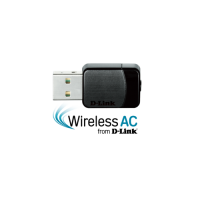
The DWA-131 is a Wireless N nano USB adapter for 2.4GHz networks. The DWA-171 is a dual band AC nano USB adapter. The DWA-182 is a dual band AC1300 USB adapter, with up to 400 Mbps on 2.4GHz and up to 867 Mbps on 5GHz, 802.11ac, n, g, b and a support, WPA and WPA2 security and an integrated antenna. The DAP-1360 is the only range extender here, a Wireless N extender for 2.4GHz networks with two 2dBi detachable antennas and WEP, WPA-PSK and WPA2 security. The DWA-182 and the DAP-1360 both carry a 1 year warranty in their specifications.
Choose an adapter when your PC or laptop has no Wi-Fi or its built in Wi-Fi is slow, and choose the DAP-1360 when you already have a wireless network and need to extend its reach to another room. Check the USB version, the wireless standard and the supported operating system on each product page, and check the current stock status, as all four listings on this page were out of stock when this guide was written and none of them showed a price on the page. You can order online or visit a branch in Dhaka, Rangpur, Gaibandha or Nilphamari.
Place the DAP-1360 where it still receives a good signal from your router, roughly halfway to the dead spot, rather than in the dead spot itself. If it is too far from the router it has little signal to repeat, and if it is too close it adds little range.