0
CART
0
YOUR CART
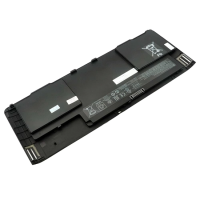
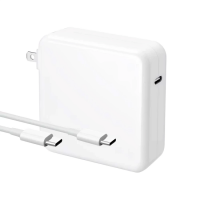
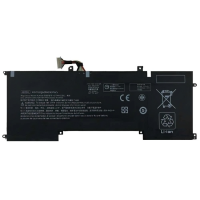
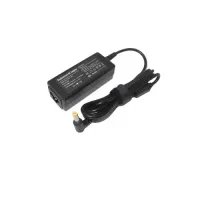
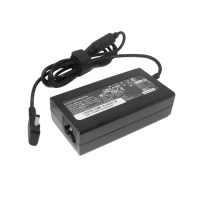
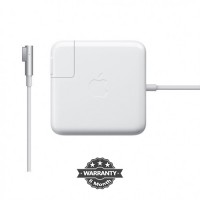
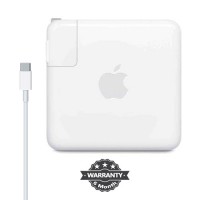
A laptop battery or adapter is not a one-size item. Always match the part number printed on your old battery, the adapter output voltage and connector, and the wattage your laptop needs. A battery with the same voltage but a lower capacity will run for less time, and an adapter with too low a wattage can overheat or fail to charge while the laptop is in use. Check the product specifications for the compatible laptop models and the connector size, and compare them with the label on your old battery or adapter before you order.
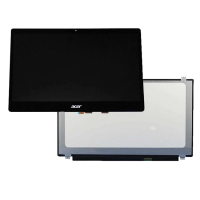
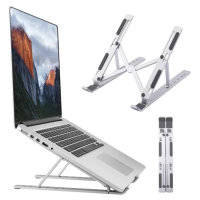
For keyboards and displays, confirm the layout and the connection. A replacement laptop keyboard must match the laptop series and the key layout, and a display must match the size, resolution, and connector type. If your laptop runs hot, a cooling pad with a large fan and a stable base helps more than a small fan, and a laptop stand that raises the screen to eye level reduces strain on long working days.
The most common mistake is ordering by laptop brand alone. Two laptops from the same brand can use different batteries, adapters, and keyboards, so the model number and part number matter more than the brand name on the lid. Measure the space for a stand or a cooling pad, check that a dock has the ports your monitor and devices need, and confirm that a backpack fits your laptop size before you order.
Carry your old battery, adapter, or keyboard to the branch if you can, and the Computer Vision BD team at the Dhaka, Rangpur or Gaibandha branch can help you match it. If you order online, keep the invoice and check the accessory on arrival, so a wrong fit can be sorted out quickly.